


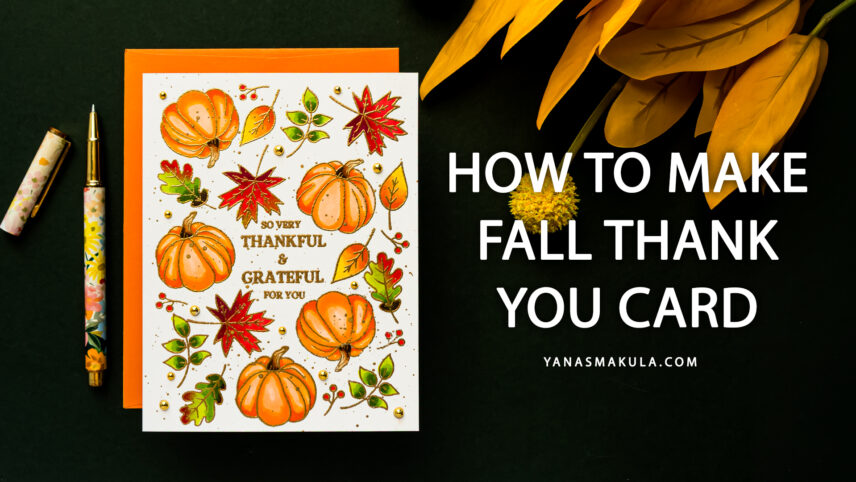

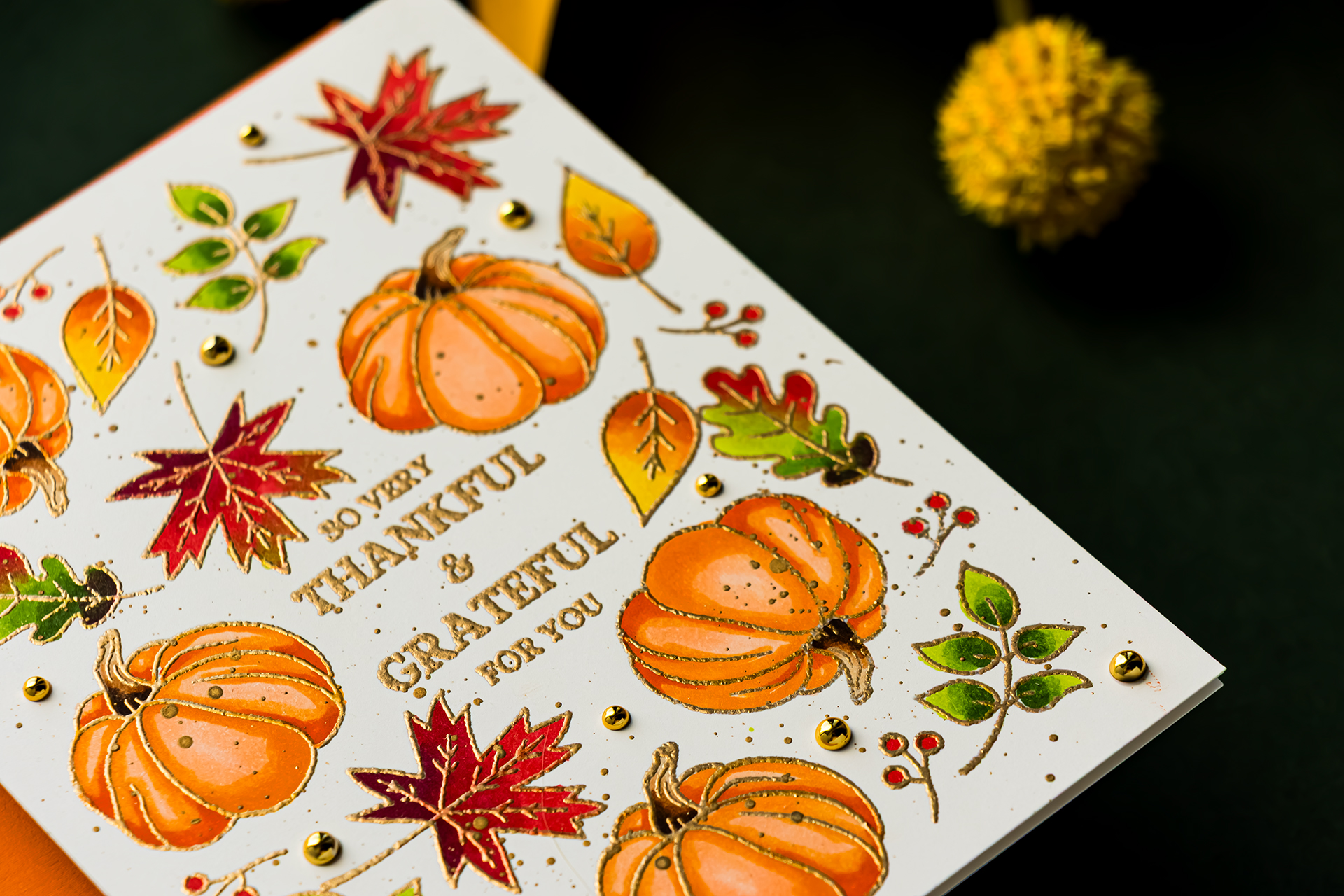
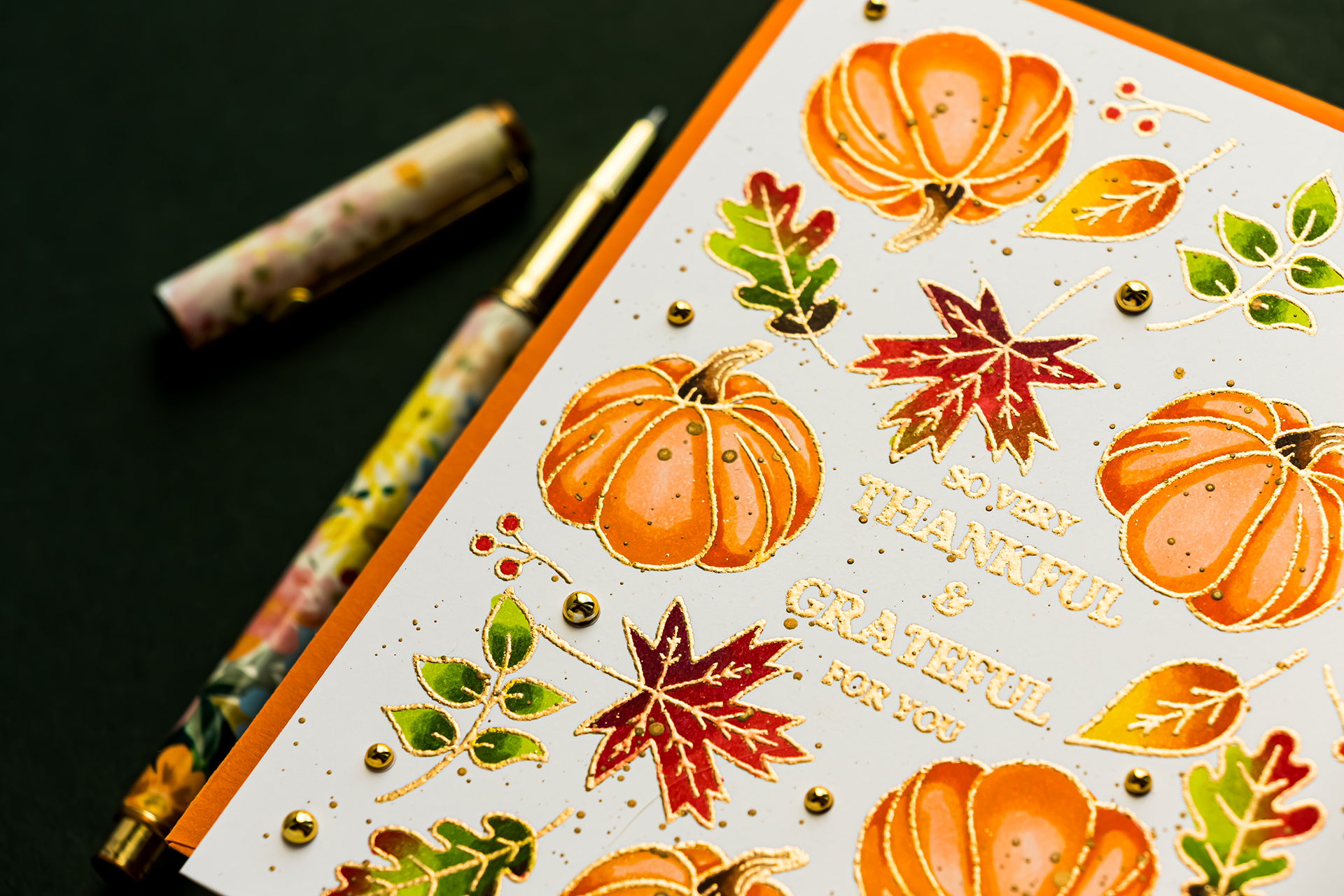
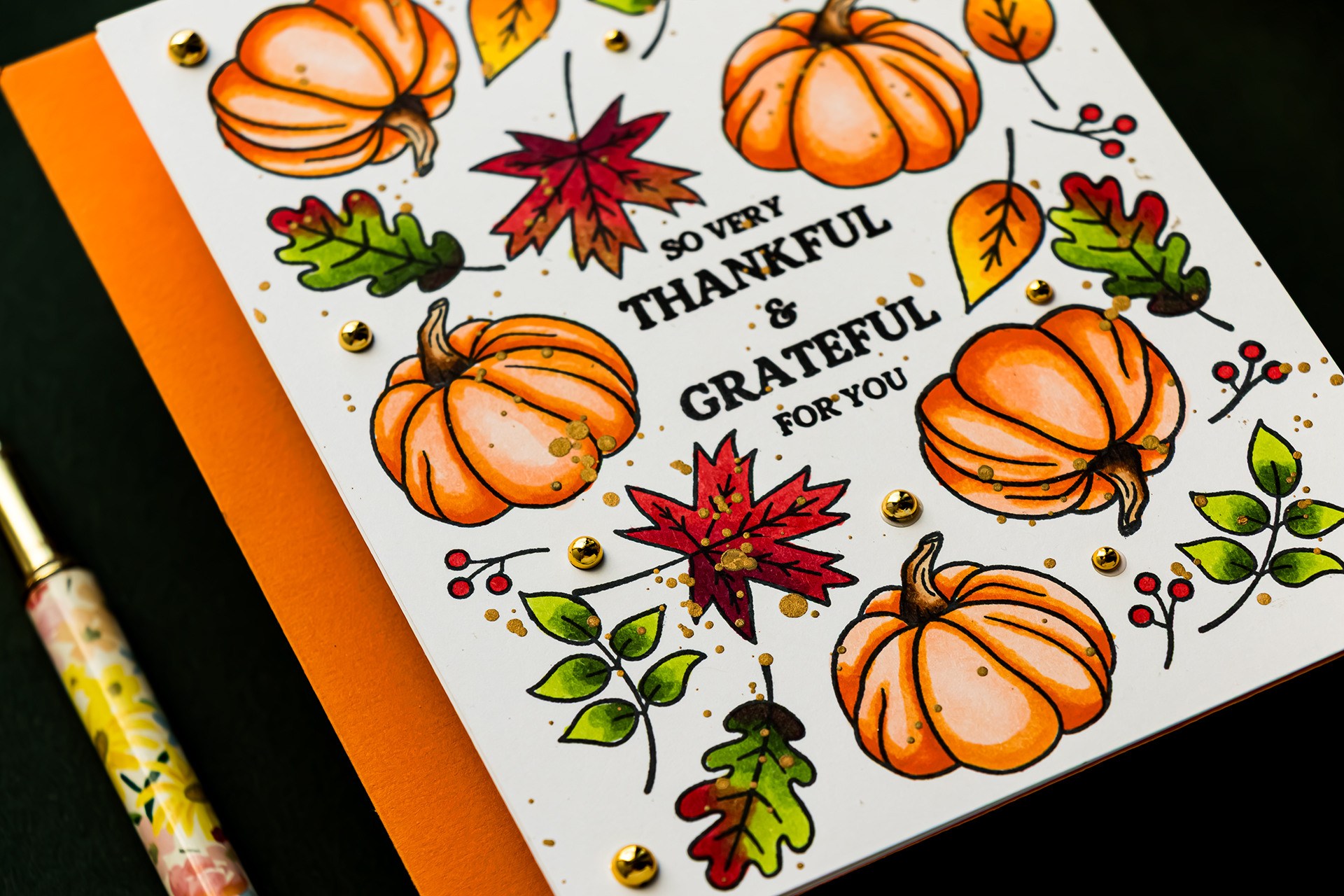
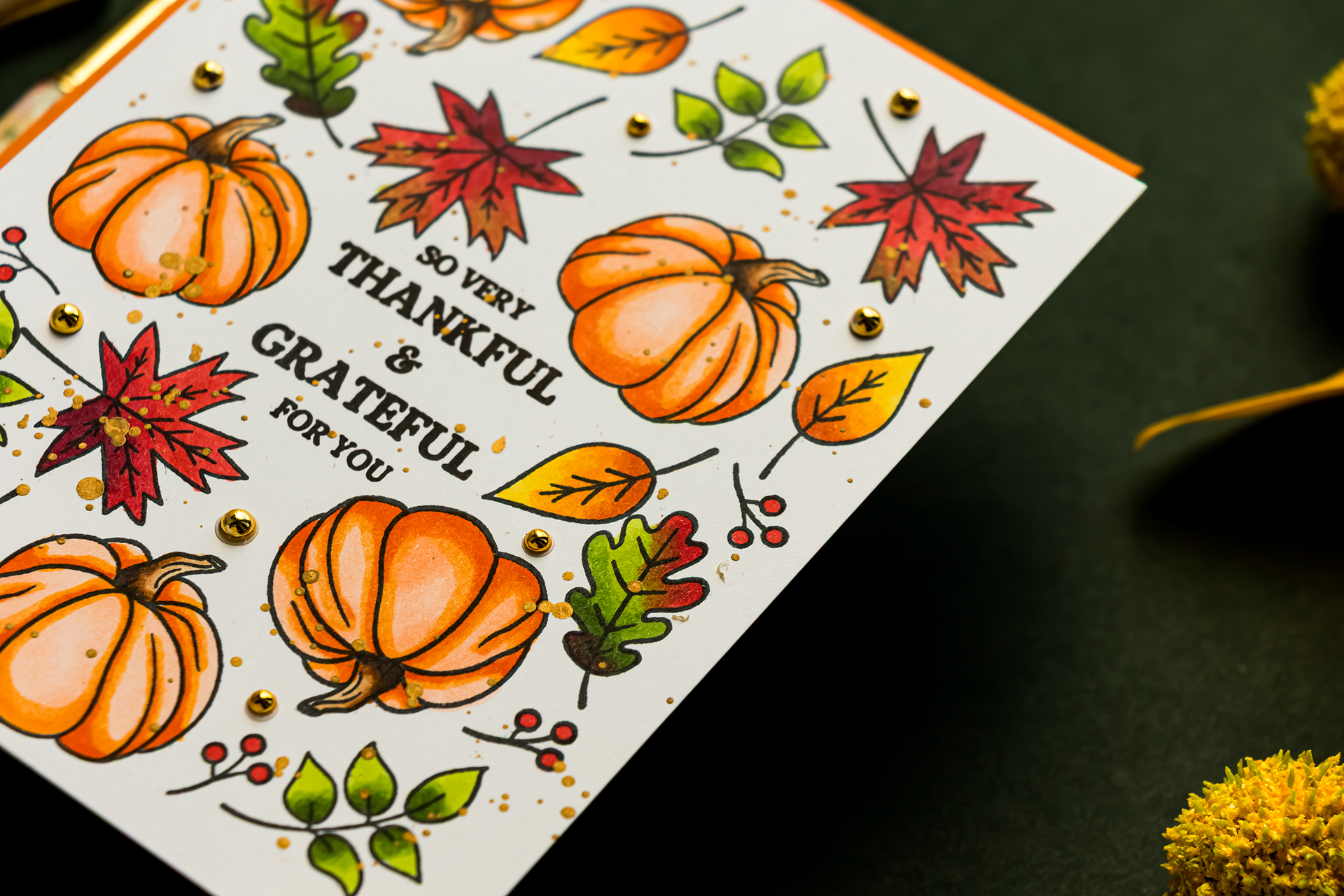
How much difference can the stamped outline make on a handmade card? For today’s experiment, I created two fall thank you cards using the same stamps, layout, cardstock, and Copic marker colors. The only major change is the outline – crisp black stamping on one card and raised gold heat embossing on the other.
This project is also a wonderful example of how to create a full card background with a small stamp set. By repeating and rotating a pumpkin, leaves, and berry branch around a central greeting, we can turn a few tiny images into a balanced autumn pattern. I’ll show you how to test the arrangement first, preserve a clean white border, repeat the placement across multiple panels, select a cohesive fall color palette, and color carefully beside raised embossing.
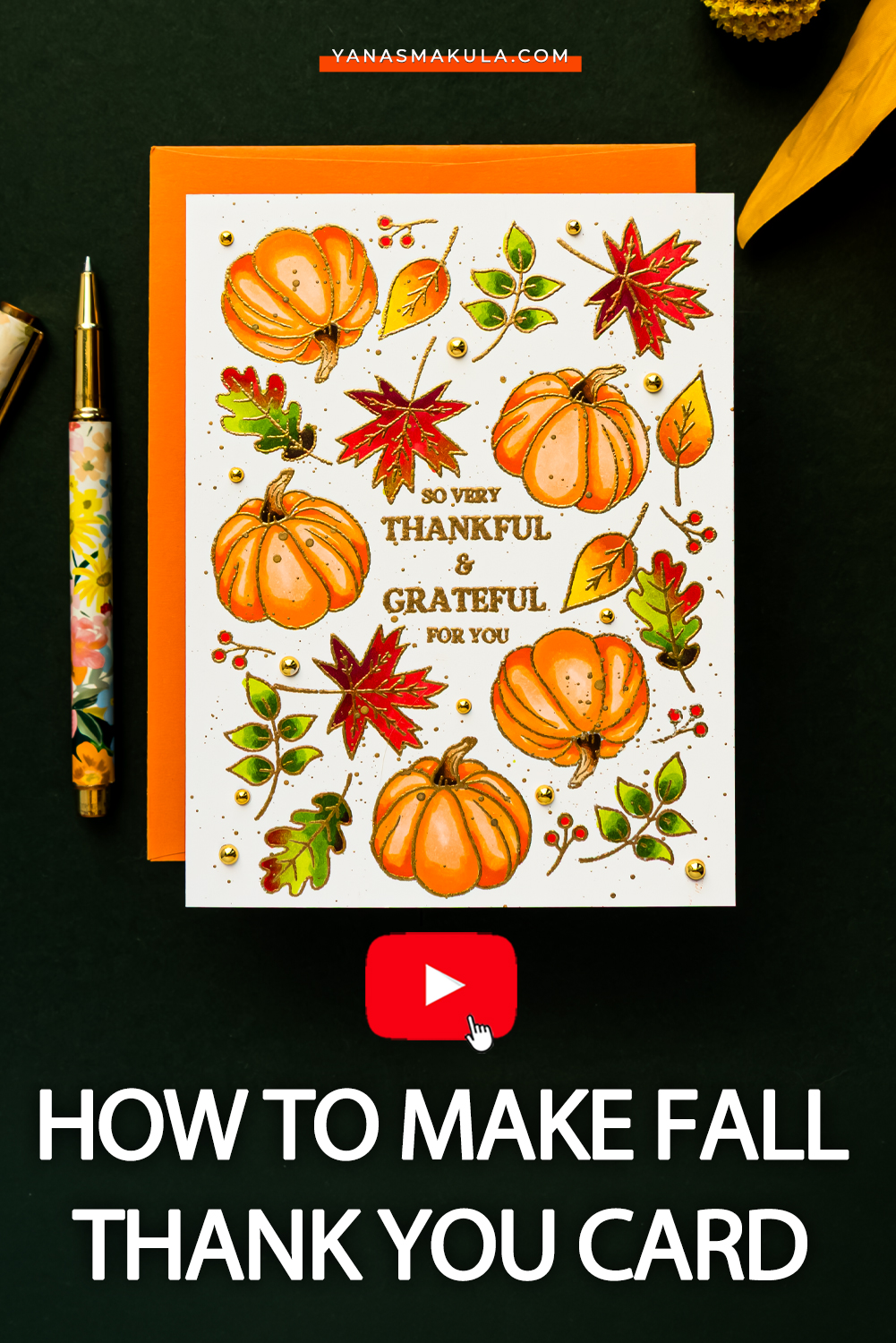
Hello, crafty friends! Let’s take a closer look at both outline treatments and see how one small change transforms the finished design.
Project Snapshot
| Project | Two fall thank you cards comparing black stamping and gold heat embossing |
|---|---|
| Skill Level | Intermediate |
| Approximate Time | 60 Minutes |
| Project Type | One-layer stamped and Copic-colored card backgrounds |
| Techniques | Pattern stamping, heat embossing, Copic coloring, repeat stamping, and metallic splatter |
| Occasion | Thank you, gratitude, Thanksgiving, and fall |
| Finished Size | A2 – 4 1/4 x 5 1/2 inches |
| Color Palette | Coral orange, red, green, brown, white, black, and antique gold |
| Featured Product | Rainbow Splash So Very Thankful Stamps and Dies |
Supplies You’ll Need
Stamps and Dies
Ink and Embossing Supplies
- VersaFine Clair Nocturne Ink
- Memento Tuxedo Black Ink
- Clear embossing ink
- Simon Says Stamp Embossing Powder Antique Gold Ultra Fine Detail
- Anti-static powder tool
- Heat tool
Paper and Coloring Supplies
- Neenah Classic Crest Solar White 80 lb Cardstock
- Scrap paper for planning the layout
- Copic markers in coral orange, brown, green, and red combinations
- White A2 card bases
Additional Supplies
- MISTI LITE Stamping Platform
- Original MISTI Stamping Platform or another large stamping platform
- Simon Says Stamp Pawsitively Perfect Splatter Medium: Gold
- Water brush
- Pinkfresh Studio Metallic Pearls: Gold
- Pencil
- Ruler or low-tack tape
- Liquid adhesive
Watch the video tutorial for complete step by step process:
How to Create a Full Background with Small Stamps
1. Test the Layout on Scrap Paper
Before stamping on your final cardstock, create a complete test layout on scrap paper. Start by deciding where the central greeting will sit, then arrange the pumpkins, leaves, and berries around it.
This test piece serves several purposes. It allows you to experiment with spacing, identify awkward gaps, and confirm that the finished pattern will fit inside the card panel. It also becomes a placement guide that you can reuse while stamping both cards. Do not skip this step if you are creating several matching backgrounds. Spending a few extra minutes on the test panel can save cardstock and make repeated stamping much easier.
2. Build a Central Sentiment
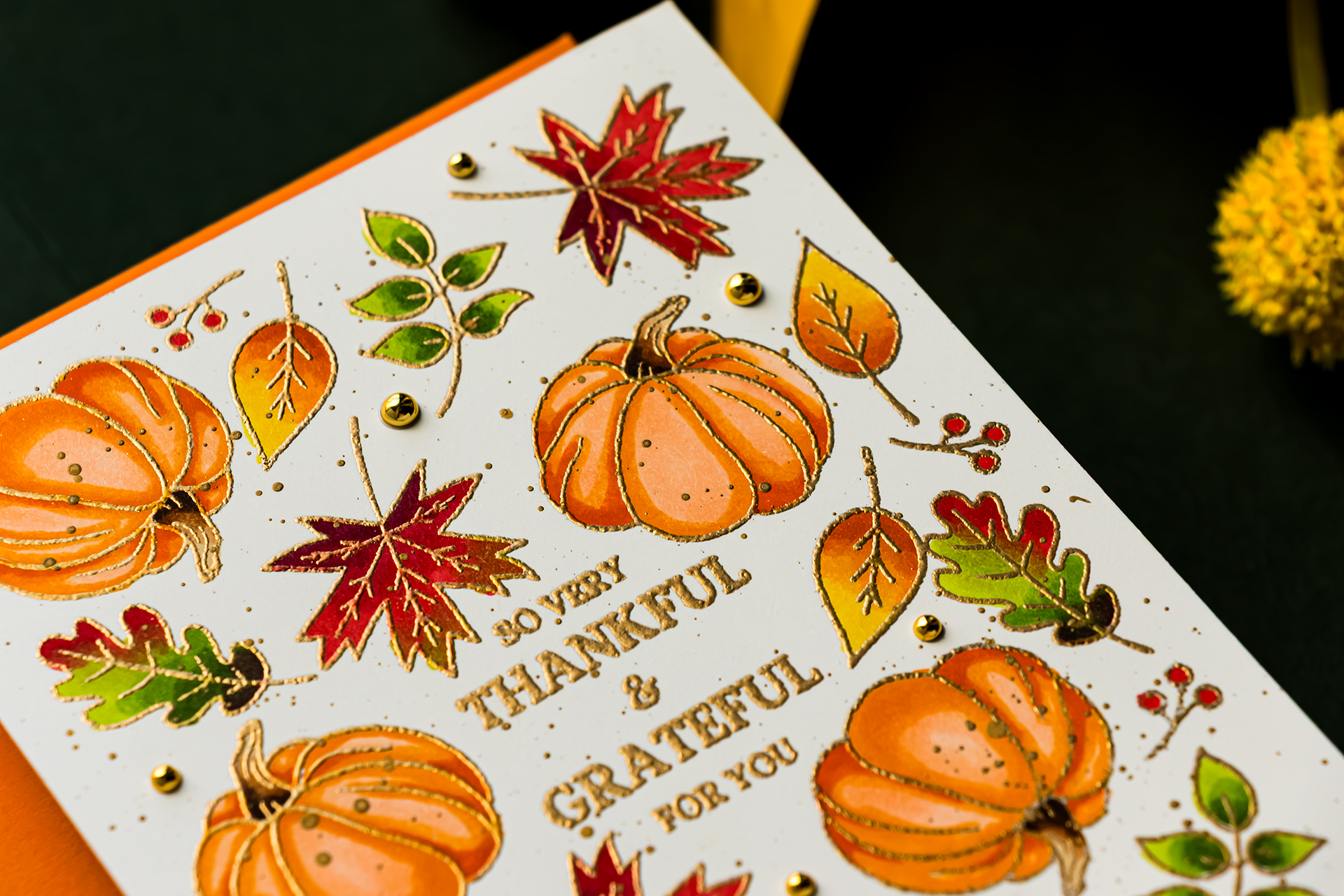
Position the sentiment in the center of the panel. For these cards, I combined several individual stamps to create the greeting “So Very Thankful and Grateful for You.” Separate sentiment stamps give you more flexibility than one large greeting. You can rearrange the words, change the spacing, stamp individual words in different ink colors, or combine regular stamping with heat embossing.
For the first card, stamp the sentiment in VersaFine Clair Nocturne Ink. This produces a crisp, deep black impression that works beautifully with detailed sentiment stamps. For the second card, stamp the same greeting in clear embossing ink. Cover it with Antique Gold Embossing Powder and melt the powder with a heat tool.
3. Mark the Stamping Area
The stamped pattern on these cards stops before reaching the edge of the panel. This creates a narrow white border that gives the busy background room to breathe. Lightly mark the corners of the stamping area with a pencil. You can also draw a faint border with a ruler or temporarily mark the edges with low-tack tape.
My border is approximately 1/4 inch wide. A wider border will create more open space, while a narrower border gives you more room for stamped images. You can also allow some images to extend beyond the card edges. That approach creates the appearance of a pattern cropped from a larger sheet. For these cards, however, I wanted every image contained within the clean white frame.
4. Transfer the First Stamp Arrangement
Place the test layout over the final cardstock panel. Position several clean stamps directly over their matching images on the guide, then pick them up with the lid of the stamping platform. Remove the paper guide before stamping. This step is important – the guide helps establish the placement, but the final impression needs to be made directly on the cardstock.
Working with small groups of images is easier than trying to position the entire background at once. It also gives you more control over the spacing around the sentiment.
5. Stamp the Black Outline Version
For the black outline card, stamp the fall images with Memento Tuxedo Black Ink. Memento works well for images that will be colored with alcohol markers. Notice that two black inks are used for different purposes in this project. VersaFine Clair Nocturne creates the crisp sentiment, while Memento Tuxedo Black is used for the images that will be colored with Copics.
Choose your stamping ink based on the coloring medium you plan to use. An ink that produces a beautiful sentiment may not necessarily be the correct choice for alcohol marker coloring.
6. Repeat the Placement with Gold Embossing
Keep the stamps in the same position and use that arrangement on the second panel. Clean the stamps thoroughly before changing ink. Treat the second panel with an anti-static powder tool, stamp the images with clear embossing ink, and cover them with Antique Gold Embossing Powder. Remove the excess powder and heat set the images.
Because both cards use the same stamp arrangement, the finished backgrounds can be compared directly. The layout and coloring remain consistent while the outline treatment changes.
7. Continue Filling the Background
Return the test piece to the stamping platform and position the next group of images. Pick up the stamps, remove the guide, and stamp the black outline panel. Without moving the stamps, repeat the same arrangement on the gold embossed panel. Clean the stamps, apply embossing ink, add powder, and heat set the images before moving to the next placement.
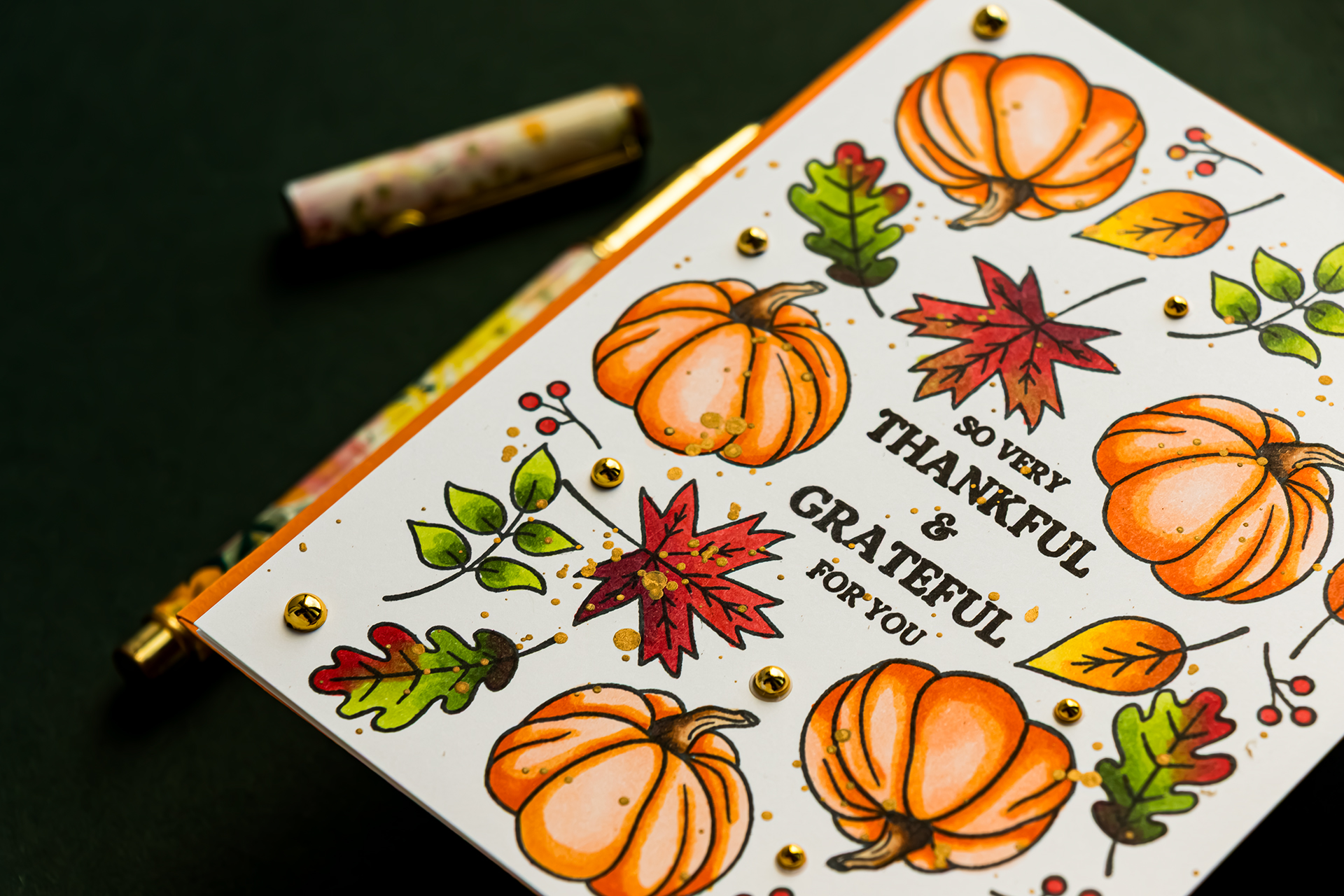
I repeated this positioning process approximately four times to complete each background.
Treat the gold panel with anti-static powder before every new round of embossing. The cardstock is handled repeatedly during this process, so fingerprints and static can attract stray embossing powder.
Tips for Creating a Balanced Stamped Pattern
Rotate Repeated Images
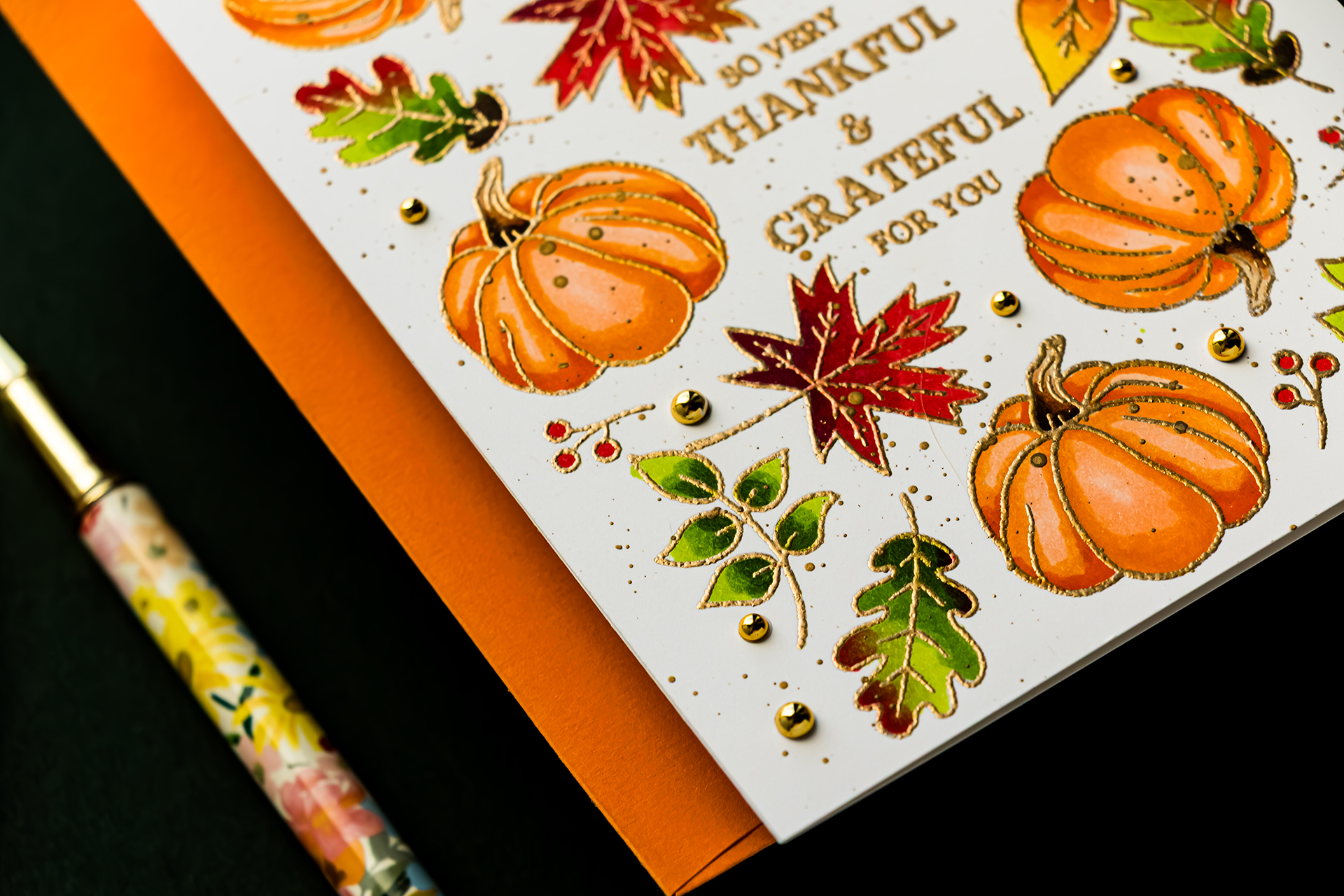
Change the direction of repeated images as you work around the sentiment. The pumpkin appears five times on these cards, but each one faces a slightly different direction. Rotation keeps the pattern from looking rigid. It also makes repeated images less obvious because the eye reads them as part of a larger arrangement.
Begin with the Largest Image
Start by spreading the largest image around the background. I like to use an odd number of the largest element because it often creates a naturally balanced arrangement. You do not need to count every tiny leaf or berry. Instead, pay attention to the visual weight of the pattern. Distribute the larger pumpkins first, then use the smaller images to connect them and fill the open spaces.
Protect the Sentiment Area
Keep the greeting readable while building the pattern. The small images can come close to the words, but they should not make the sentiment feel crowded. Step back from the panel periodically and look at the entire design. This makes it easier to notice when one side has become heavier than the other.
How to Choose a Coordinated Copic Color Palette
Create a Personal Marker Reference
Before selecting the markers, I referred to a color chart that I created years ago. I stamped the same simple image repeatedly, tested different marker combinations, and wrote the marker numbers beside each blend. You do not need a specific stamp to create your own chart. Choose any simple image with enough open space to practice a three-marker blend. Even a stamped oval can work.
The value of the chart is seeing the markers blended together on paper. Once you find a combination you like, you can return to it instead of testing the same colors every time.
Color the Pumpkins in Coral Orange
Use a three-marker coral-orange combination for the pumpkins. Start with the lightest shade, add the medium color, and return to the light marker to soften the transition. Next, place the darkest color in the shadow areas. Blend outward with the medium shade and finish with the lightest marker.
You can also work from dark to light when you want to color more quickly. Place the darkest shadow first, extend it with the medium marker, and soften the remaining edge with the lightest color.
Keep some pale areas visible so the pumpkins retain their rounded appearance.
Color the Pumpkin Stems
Use a brown marker combination for the pumpkin stems. Concentrate the darkest brown near the base or wherever one part of the stem would cast a shadow. Blend outward with the medium and light shades, keeping the highlight small but visible.
Add Multicolored Oak Leaves
For the oak leaves, use YG67, YG17, and YG03. Place the darkest green near the base and in the shadow areas, then blend outward with the lighter greens.
Because these are autumn leaves, avoid coloring every leaf in one solid green combination. Add a small amount of red and soften the transition with YG03. This creates the appearance of a leaf beginning to change color. Add R39 near the base where the darkest green is already concentrated. The overlapping colors create a deep brownish area that works beautifully for fall.
Color the Maple Leaves Red
For the maple leaves, start with R39 in the deepest shadows. Add R27 as the medium shade and blend into R24 for the lighter areas. Introduce a small amount of YG03 near the tip or edge of the leaf. Keep this green accent limited so the leaf still reads as red.
Repeat Colors Across the Background
Use orange on another leaf shape to repeat the pumpkin color. Bring the YG67, YG17, and YG03 combination into the final leaf design to distribute more green across the pattern. Color the berries with R24. These small bright accents repeat the red from the maple leaves and help connect the palette. Repeating colors across different images is what makes the background feel cohesive. Rather than treating each stamped element as an isolated object, look at the palette across the entire panel.
How the Outline Changes the Finished Cards
The black stamping gives the pumpkins and leaves crisp definition. It creates a clean, illustrated appearance and makes the edges of each image easy to see. The gold heat embossing creates a softer, more decorative result. The raised metallic lines catch the light and make the pattern feel more elegant.
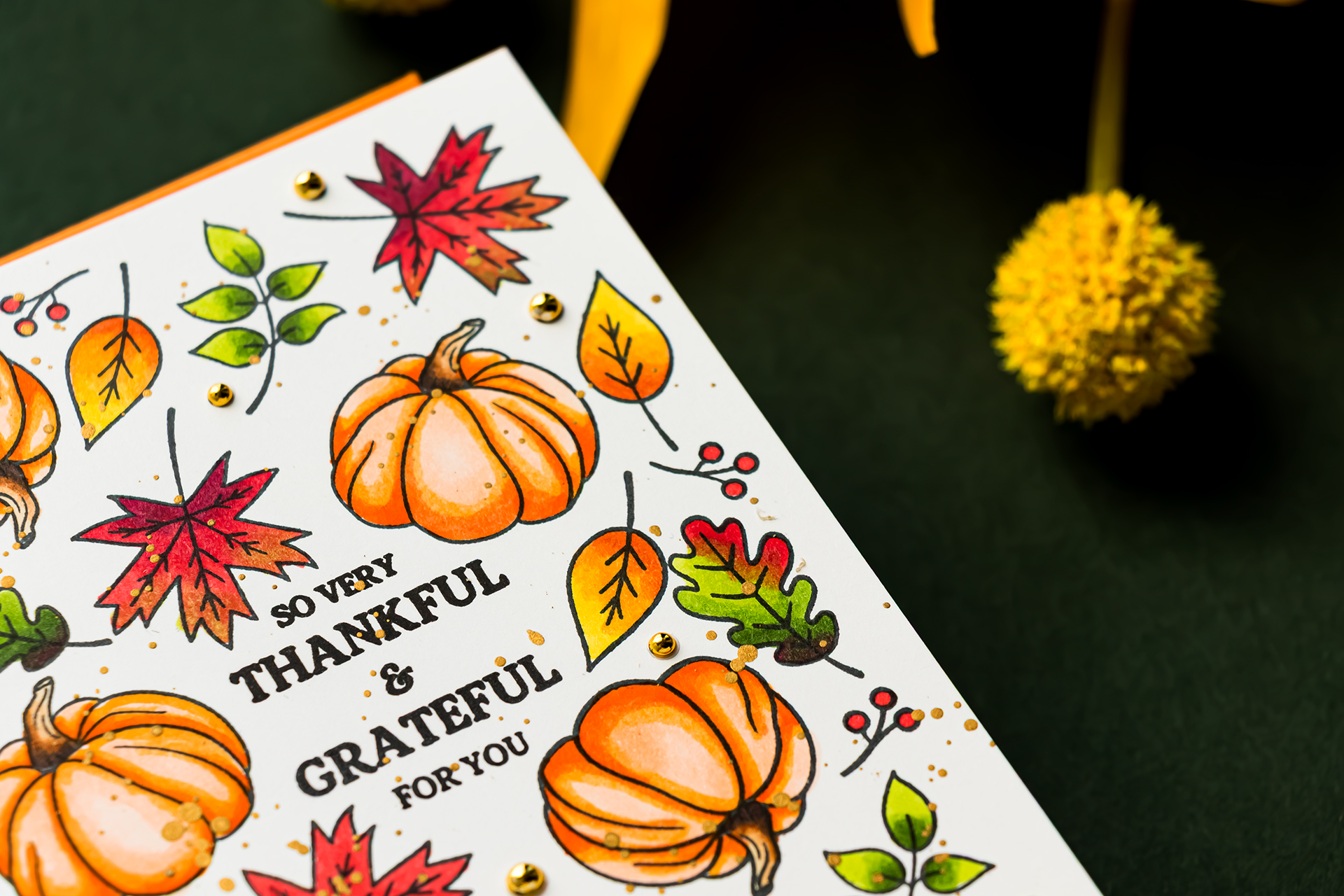
Because the cards use the same placement and colors, the outline becomes the principal visual difference. This is a useful reminder that ink and embossing choices can change the personality of a stamped design without requiring a different layout or color palette.
Tips for Copic Coloring Beside Heat Embossing
When coloring the gold embossed panel, keep the marker nib inside the image and avoid dragging it repeatedly across the raised embossing. Color slowly near the metallic lines. The embossed border provides a clear boundary, but the marker should still be controlled carefully.
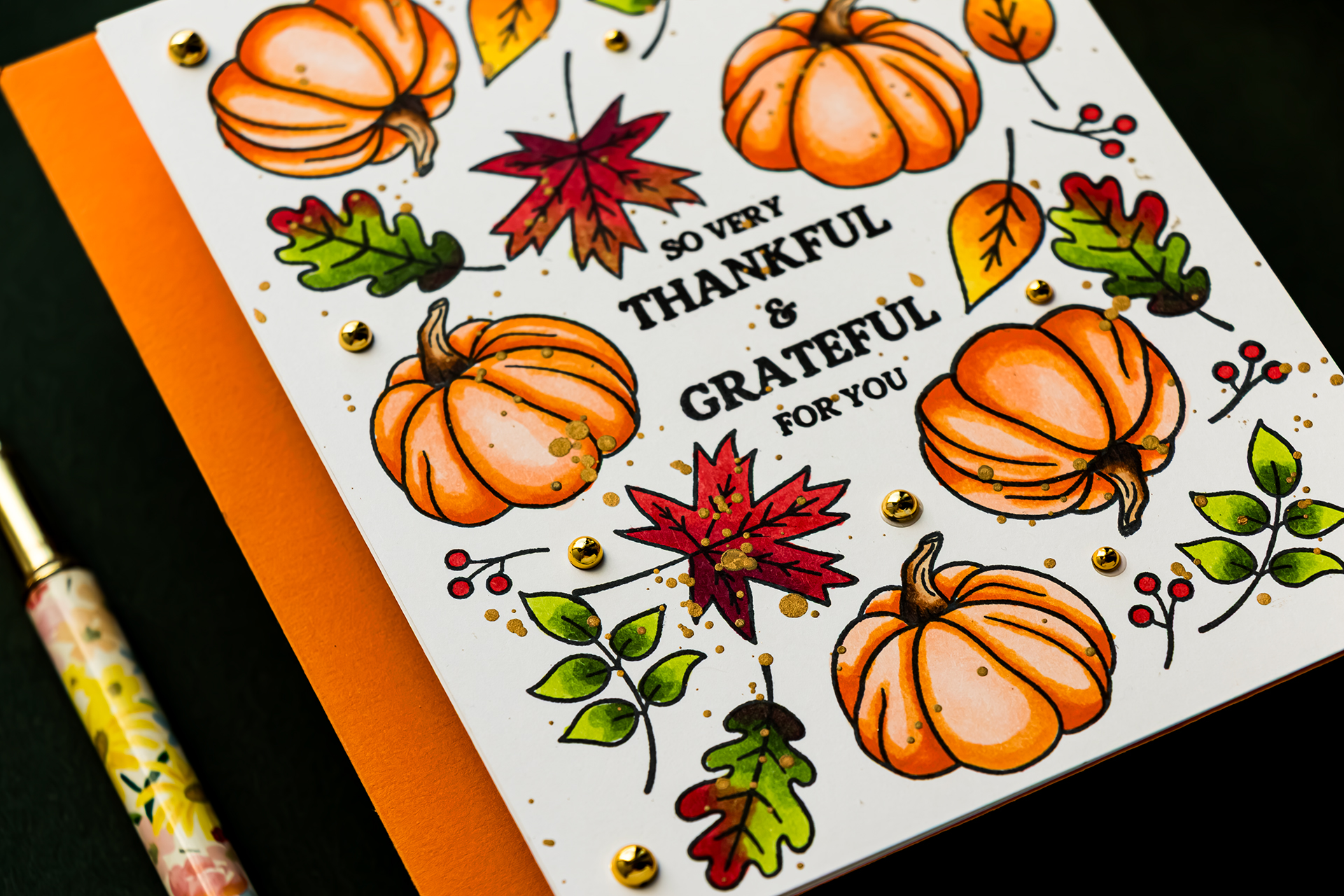
You can use the same marker combinations on both versions. The black outline may make the colors appear slightly more defined, while the reflective gold edge can make the same colors feel softer.
Add Gold Splatter
Once all the coloring is complete, add Gold Splatter Medium to both backgrounds. Pick up a small amount with a water brush and tap the brush gently to scatter fine droplets over the panels. Start with a small amount and inspect the result before adding more. It is easier to increase the splatter than to remove droplets from a completed background.
The gold splatter connects naturally with the embossed version. On the black stamped card, it introduces the same metallic detail so the two finished cards still feel related.
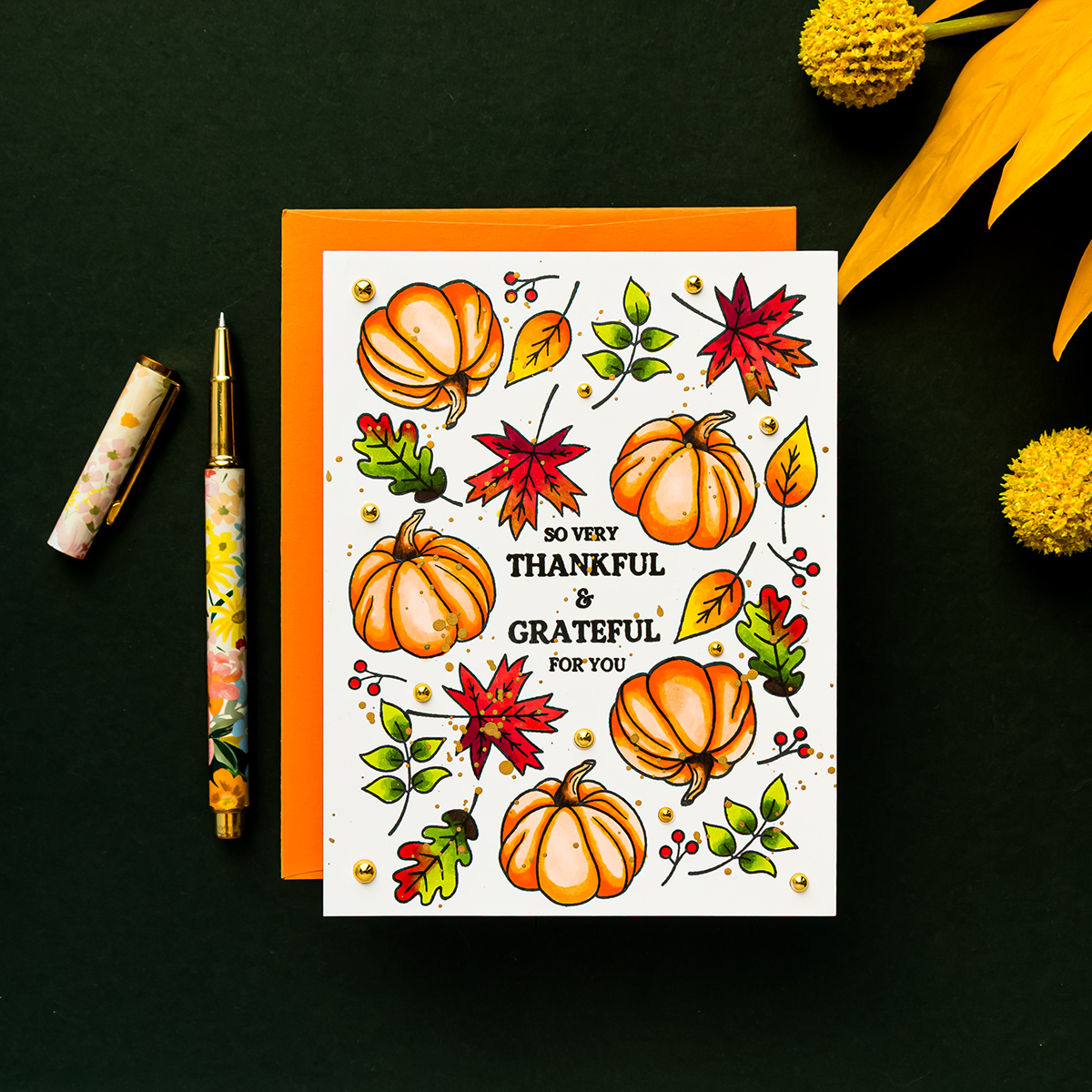
Splatter also gives the carefully planned pattern a slightly looser appearance and can make tiny coloring imperfections less noticeable.
Finish with Gold Metallic Pearls
Add small and medium Pinkfresh Studio Metallic Pearls in Gold to several of the larger spaces between the stamped images.
Look for open areas that could use a little extra detail, but keep the central greeting clear. The pearls repeat the gold splatter and add a small amount of dimension to both cards.
A few embellishments are sufficient. The stamped pattern already contains plenty of visual interest, so the pearls should support the design rather than compete with it.
Black Ink or Gold Heat Embossing?
The black outline produces a crisp, graphic result. It is an excellent choice when you want maximum definition or prefer the look of a traditional stamped illustration.
The gold heat embossing feels softer and more decorative. When the card is tilted toward the light, the raised metallic details become much more noticeable.
I love the definition of the black stamping, but the gold heat-embossed version is my favorite for its elegant finish. Which would you choose?
More Ways to Use Small Stamps
- Create a winter background with small snowflakes.
- Arrange tiny flowers around a birthday sentiment.
- Build a woodland pattern with mushrooms, leaves, and acorns.
- Use Halloween icons around a central greeting.
- Repeat small critters in different directions.
- Create a background with one image by rotating it as you stamp.
- Allow some images to extend beyond the edges for a cropped-pattern effect.
Frequently Asked Questions
How do you create a background with a small stamp set?
Begin with the largest image and repeat it around a central sentiment. Rotate each impression and distribute the images across the panel. Use smaller stamps to connect the larger elements and fill the remaining spaces.
Why should I make a test layout before stamping?
A test layout helps you refine the spacing before using your final cardstock. It can also serve as a placement guide when recreating the arrangement across multiple card panels.
Which black ink should I use with Copic markers?
Use an ink formulated to work with alcohol markers. Memento Tuxedo Black was used for the images in this project. VersaFine Clair Nocturne was used separately for the black sentiment.
Can Copic markers be used inside heat-embossed images?
Yes. Work carefully beside the raised embossing and keep the marker nib within the stamped image. Avoid repeatedly dragging the nib across the embossed lines.
How do you keep a busy stamped background balanced?
Distribute the largest images first, rotate repeated elements, and preserve open space around the sentiment. A narrow un-stamped border can also give the pattern visual breathing room.
Do I need the coordinating dies for this card?
No. The coordinating dies were not used for these cards because all the stamping and coloring were completed directly on the A2 panels.
Final Thoughts
Changing only the stamped outline can give the same card design a completely different character. Black ink makes the fall images feel crisp and defined, while antique gold heat embossing creates a softer, more elegant finish.
This project also shows how much mileage you can get from a small stamp set. With a central greeting, a simple placement guide, and a few repeated images, you can build a detailed background without using a large background stamp. I hope you’ll try this idea with the small seasonal images already in your collection.
COMPLETE SUPPLY LIST
Affiliate disclosure: Some links in this post may be affiliate links. If you purchase through one of these links, I may receive a small commission at no additional cost to you. Thank you for supporting my blog.
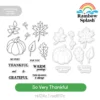 Rainbow Splash Stamps and Dies So Very Thankful Shop at: SSS |
 Simon Says Stamp Nocturne Black VersaFine Clair Ink Pad and Re-Inker Shop at: SSS |
 Memento Tuxedo Black Ink Pad Shop at: SSS |
 Simon Says Stamp Antique Gold Embossing Powder Shop at: SSS |
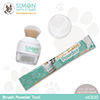 Simon Says Stamp Brush Powder Tool Shop at: SSS |
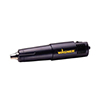 Wagner Precision Heat Tool Shop at: SSS |
 Neenah 80lb Solar White Cardstock Shop at: SSS |
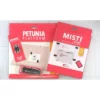 MISTI Lite, Platform and Magnet Bundle Shop at: SSS |
 MISTI Stamping Tool Shop at: SSS |
 Pinkfresh Studio Gold Metallic Pearls Shop at: SSS |
 Bearly Art Mini Precision Craft Glue Shop at: SSS |
 Simon Says Stamp Pawsitively Perfect Splatter Medium Gold Shop at: SSS |
 Medium Water Brush Shop at: SSS |
 Simon Says Stamp Embossing Ink Pad Shop at: SSS |